WhatsApp CRM Software: Features, Benefits & How to Choose One | ChatKar
Compare WhatsApp CRM software features, benefits, team inboxes, lead management, automation, integrations, analytics, pricing factors and what to check before choosing a platform.
WhatsApp CRM Software: Features, Benefits & How to Choose One
WhatsApp CRM software combines customer conversations with the information and workflows a business needs to manage leads, sales, support and follow-ups.
The market includes simple shared inbox tools, full customer-management platforms, WhatsApp-focused CRMs and broader CRM systems with WhatsApp integrations. They may look similar at first, but their workflows, automation, reporting, integrations and pricing models can be very different.
This guide explains the features that actually matter, what to compare before buying, common mistakes, use cases and how to decide whether a WhatsApp CRM is appropriate for your business.
Quick Answer: What Should WhatsApp CRM Software Do?
A useful WhatsApp CRM should connect conversations, customer records, team ownership, automation and follow-up instead of treating WhatsApp as a standalone chat window.
The exact features you need depend on whether the main job is sales, support, lead management, marketing, e-commerce or a combination.
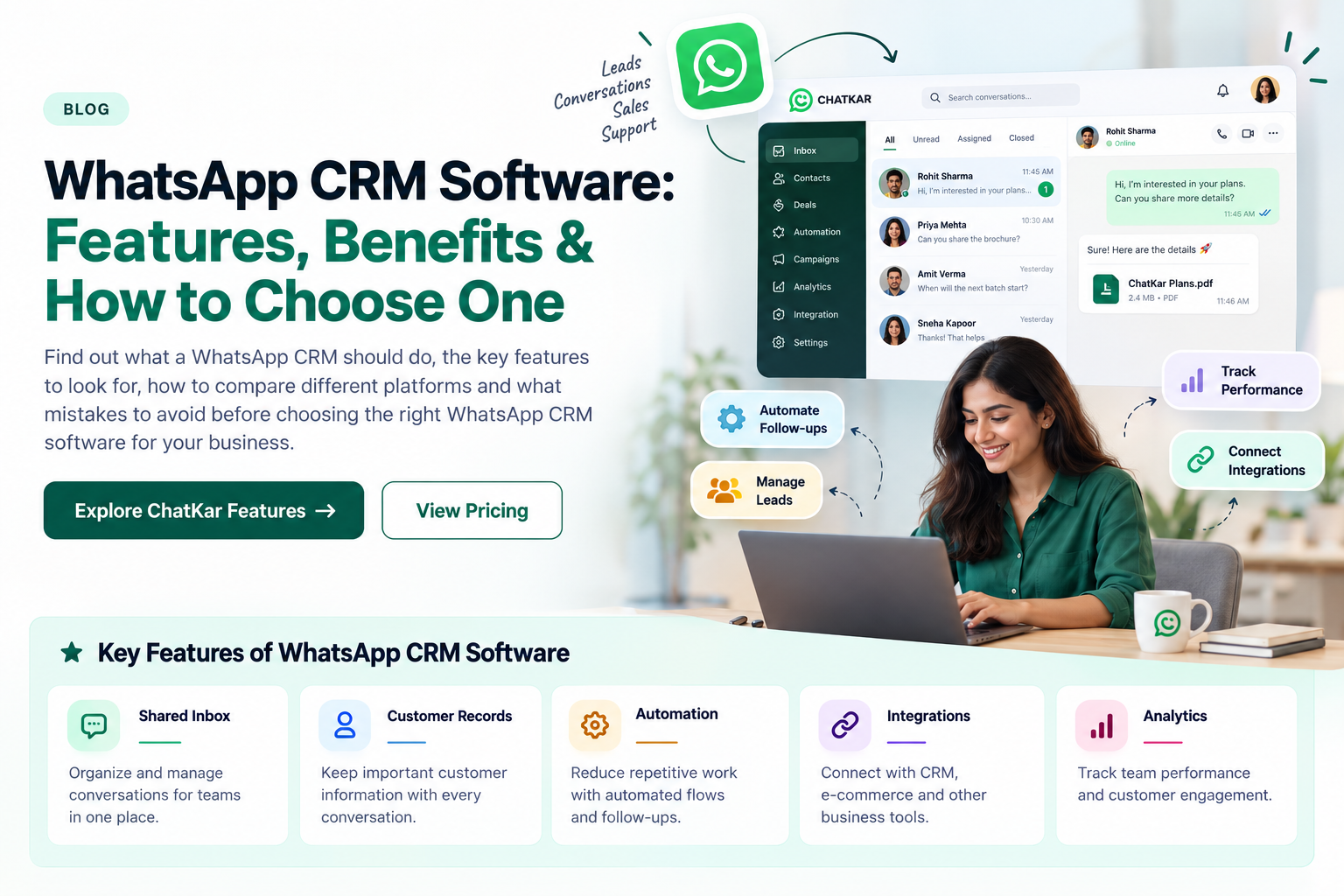
Organize conversations for teams.
Keep useful customer context with the conversation.
Reduce repetitive manual work.
Connect CRM, e-commerce and other systems.
Understand team and customer activity.
Not All WhatsApp CRM Software Is the Same
Before choosing a platform, it helps to understand the different models available.
WhatsApp Inbox Tool
Mainly focuses on shared conversations, assignment and support operations.
WhatsApp CRM
Connects conversations with customer records, leads, automation and reporting.
Traditional CRM + WhatsApp
Uses a broader CRM as the main system and adds WhatsApp as one communication channel.
None of these models is automatically right for every business. The better question is which one matches your workflow.
WhatsApp CRM Software: Features Comparison
10 Features to Look for in WhatsApp CRM Software
1. Shared Team Inbox
Look for assignment, routing, internal notes, presence indicators, customer history and a clear ownership model. A shared inbox should reduce duplication rather than simply display all conversations in one screen.
2. Customer 360° View
The platform should make it easy to understand who the customer is, what they previously discussed and what information matters to the next interaction.
3. Lead Assignment and Routing
Good routing rules can automatically send conversations to the right team, salesperson, region or support queue.
4. Automation and Flows
Check whether the platform can automate qualification, reminders, follow-ups, routing, FAQs and human handover without making the customer journey unnecessarily complicated.
5. Integrations
Look for useful connections with CRM, e-commerce, forms, spreadsheets, calendars, webhooks and APIs. The goal is to avoid copying customer data manually between systems.
6. Analytics and Reporting
Useful reporting should answer questions such as response activity, customer engagement, campaign results and operational workload.
7. Templates and Campaign Management
If the business sends approved WhatsApp templates at scale, make sure the platform can organize, schedule and use them within the relevant workflows.
8. AI and Human Handover
AI can handle repetitive questions or assist agents, but the platform should make it easy to transfer a conversation to a human when required.
9. Access, Security and Data Controls
Check user roles, permissions, data controls, account access and the provider's published privacy or security information before moving important customer conversations into the platform.
10. Migration and Scalability
If you already use another WhatsApp platform, check whether contacts, templates, flows and relevant history can be migrated. Also verify that message volume, numbers, users and contacts can scale with the business.
How to Choose the Right WhatsApp CRM Software
Do not begin with a feature checklist alone. Start with the business problem.
Is the priority sales, support, lead generation, marketing or customer success?
Determine how many sales and support people will actually use the platform.
Write what happens from first enquiry to follow-up or resolution.
Make sure the platform connects to the systems your team already uses.
Include software, messaging, add-ons, users, volumes and setup costs.
Use a trial or demo to test the exact journey your team will manage.
How Much Does WhatsApp CRM Software Cost?
There is no single standard WhatsApp CRM price. Providers can structure pricing around users, contacts, message volume, features, add-ons, automation or a combination of these.
Monthly or annual software subscription.
WhatsApp messaging charges may be separate from the software fee.
Check contacts, messages, numbers and team capacity.
AI, premium integrations or advanced modules may have separate costs.
For example, ChatKar's current India pricing page separates plan capacity from WhatsApp messaging costs and offers a Business Plus CRM plan. Pricing and included limits should always be checked on the current pricing page before purchase.
How ChatKar Fits Into WhatsApp CRM
ChatKar's current platform combines WhatsApp conversations with team inboxes, routing, internal notes, shared customer data, automation, broadcasts, flows, analytics, integrations and AI capabilities.
Assignments and shared conversations
Flows, routing and follow-ups
CRM, e-commerce and webhooks
Track customer and campaign activity
AI-assisted customer conversations
ChatKar also currently lists migration support from platforms such as AiSensy, WATI, Interakt and Gupshup, which can matter when evaluating switching costs.
12 Questions to Ask Before Buying WhatsApp CRM Software
WhatsApp CRM Red Flags to Watch For
If there is no real customer management or workflow improvement, the CRM value may be limited.
Check contacts, messages, numbers, users and automation limits carefully.
Switching platforms can become expensive if customer data and templates cannot be transferred.
Customers should not get trapped in an automation loop when human help is needed.
Separate platform charges from Meta messaging costs before comparing providers.
Who Should Use WhatsApp CRM Software?
Lead routing and follow-ups
Orders and customer support
Enquiries and admissions
Appointments and support
Sales and customer success
Client communication and teams
Frequently Asked Questions
What is WhatsApp CRM software?
WhatsApp CRM software connects WhatsApp conversations with customer records, lead management, team workflows, follow-ups, automation and related business data.
What is the difference between WhatsApp CRM and WhatsApp Business App?
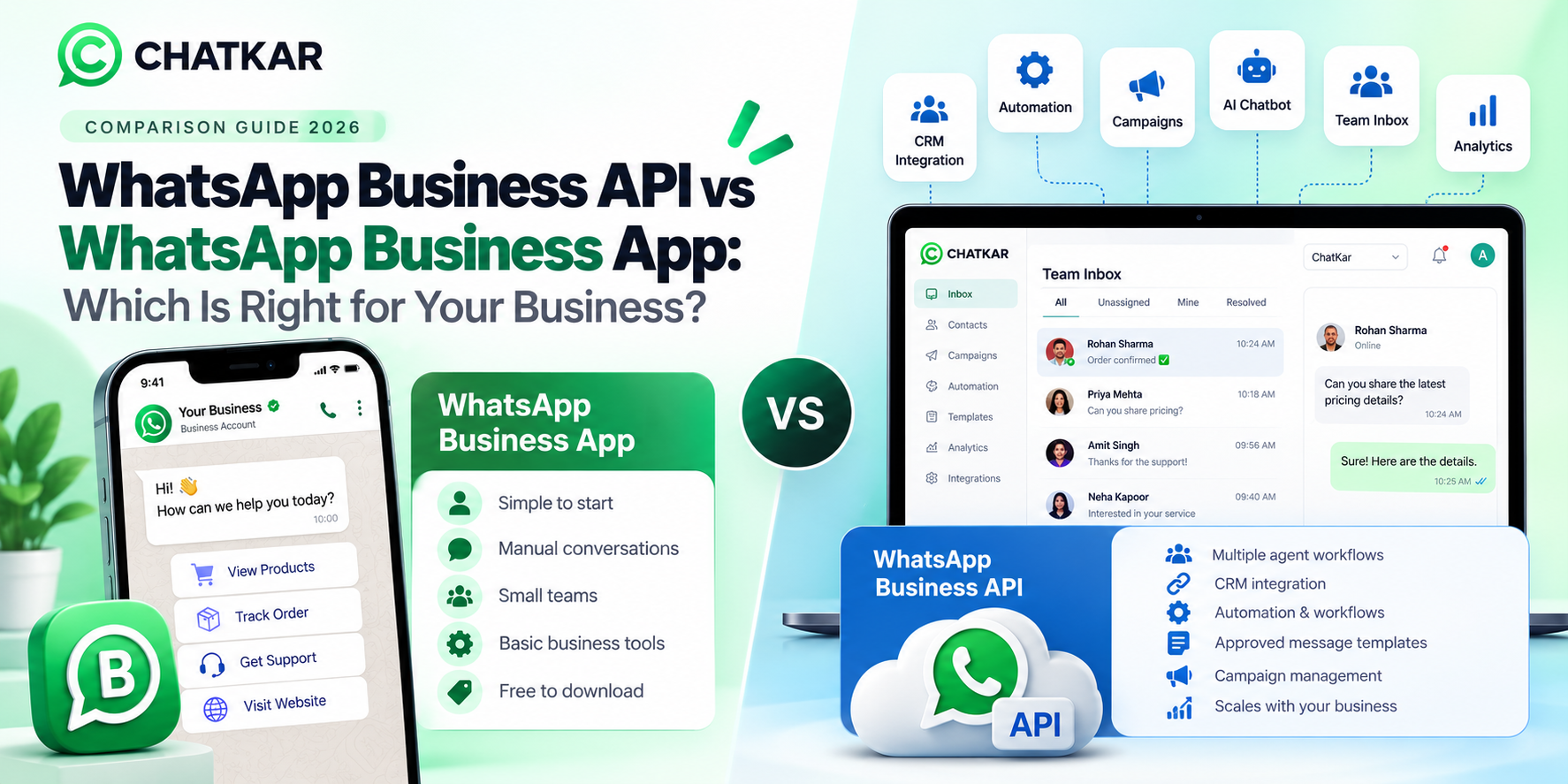
The WhatsApp Business App is primarily a business messaging application, while WhatsApp CRM software adds structured customer management, assignment, automation, reporting and integrations.
What features should I look for in WhatsApp CRM software?
Start with shared inbox, customer records, lead assignment, automation, integrations, analytics, templates, AI/human handover, security controls and migration capabilities.
Can WhatsApp CRM software manage multiple team members?
Yes. Team inboxes, routing and assignments can allow sales and support teams to manage customer conversations through compatible platforms.
Can WhatsApp CRM software automate follow-ups?
Yes. Compatible platforms can automate reminders, routing, qualification and other repeatable workflows.
Can WhatsApp CRM connect with Shopify or other tools?
Some platforms provide direct integrations or APIs for connecting WhatsApp with e-commerce, CRM, forms, spreadsheets and other business systems.
Does WhatsApp CRM software include WhatsApp messaging costs?
Not always. Many providers separate their software subscription from Meta's applicable WhatsApp messaging charges, so check both before comparing prices.
Does ChatKar provide WhatsApp CRM software?
ChatKar provides WhatsApp-focused CRM capabilities including team inbox, customer management, routing, automation, integrations and analytics, and currently offers a Business Plus CRM plan.
Related WhatsApp CRM & API Guides
Final Thoughts
Choosing WhatsApp CRM software should not start with a list of the longest feature set. It should start with the workflow your team needs to manage.
A good platform should make it easier to answer five basic questions:
- Who is this customer?
- What did they ask for?
- Who owns the conversation?
- What should happen next?
- How do we know whether the process worked?
If the platform helps your team answer those questions quickly and consistently, it is doing the job a WhatsApp CRM should do.
Looking for a WhatsApp CRM for Your Team?
Explore ChatKar for team inbox, customer management, automation, integrations, analytics and AI-powered WhatsApp workflows.
Explore Features View Pricing